
It is one of the most curious phenomena of the AI revolution: you hire a developer, give them access to Claude 4.6 Sonnet, tools like Cursor, or the Claude Code CLI, and overnight their individual productivity multiplies tenfold. They write code faster, debug errors in seconds, and launch prototypes at breakneck speed.
Yet, when you look at the overall productivity of the enterprise, the impact is barely noticeable.
Why does this happen? Boris Cherny, an engineer at Anthropic and the creator of the official Claude Code CLI, published a technical maturity framework titled "Steps of AI Adoption" (0-4 Maturity Model) that explains this perfectly. The bottleneck is not the tokens, nor the intelligence of the model; it is your legacy processes.
In this guide, we will teach you, step-by-step, how to adopt the Claude ecosystem the right way to transition your development team from "individual chaos" to coordinated, enterprise-grade automation.
The AI Adoption Maturity Model (0 to 4)
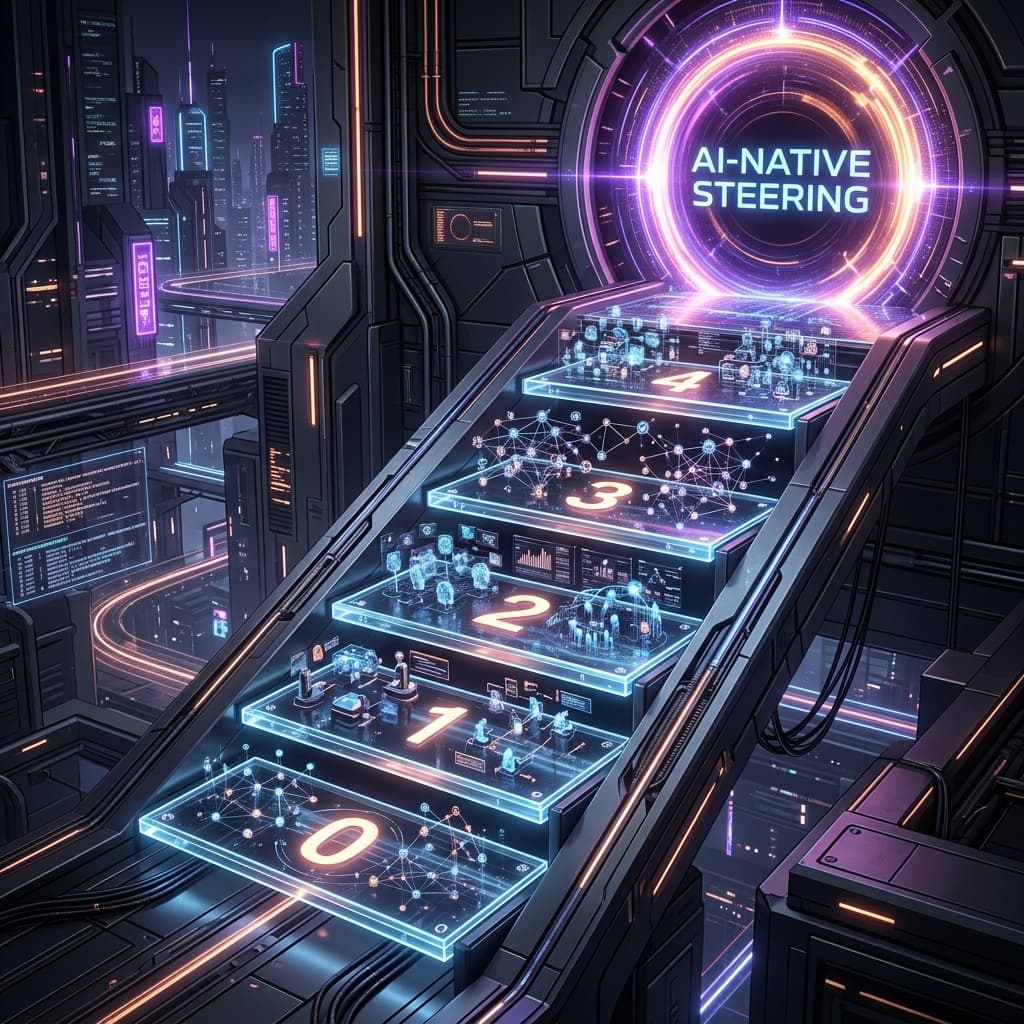
Cherny's framework divides the maturity of agents and development workflows into five distinct stages:
- Step 0 — Gated (0 agents): AI is banned or blocked behind firewalls. Development, compilation, and review processes are 100% manual.
- Step 1 — Assisted (~1 agent): The developer uses a chatbot or an AI IDE (like Cursor) individually. There is a massive productivity spike at the personal level, but the employee acts as a bottleneck, copying, testing, and pushing changes manually. The company continues to operate at Step 0.
- Step 2 — Parallel (~10 agents): The enterprise introduces orchestrators (like the
automode in Claude Code or coordinated sub-agents). The AI works autonomously across multiple parallel branches (git worktrees), running builds, linting, and unit tests in isolation without direct human intervention. - Step 3 — Supervised Autonomy (~100 agents): Agents are organized in hierarchical, coordinated trees. A high-level agent delegates database refactoring to a sub-agent, backend logic to another, and UI to a third, managing communication between them (this is how Anthropic operates internally).
- Step 4 — AI-native (1,000+ agents): The human stops writing code and debugging syntax. Their role shifts completely to "Intent Steering", defining strategic goals, guardrails, and validating high-level results through KPIs.
🔒 Transition Your Enterprise From Step 1 to Step 4 Safely
Letting employees use AI tools in isolation is inefficient and exposes your corporate data. At IA4PYMES, we build the proper agentic infrastructure, designing secure local development sandboxes and automated pipelines leveraging the open Claude ecosystem.
Book your 60-minute technical consultation here (100% refundable or credited against final development costs on hire).
Step-by-Step Guide: Configuring Your Claude Ecosystem the Right Way
To leap to a coordinated Step 2 (Parallel) workflow, you must structure your repository so intelligent agents understand your architecture and can operate autonomously and safely.
Step 1: Encode Domain Rules (CLAUDE.md or .agents/AGENTS.md)
Intelligent agents do not possess long-term memory of your architectural decisions. Without fixed rules, they will invent coding style, break folder conventions, or use deprecated libraries.
Create a file named CLAUDE.md (or .agents/AGENTS.md if using custom orchestrators) in the root of your project. This file must contain explicit, concise instructions about:
- Build and verification commands: How to compile, run the linter, and execute unit tests.
- Code style guidelines: Naming conventions, folder structures, and design patterns (e.g., using React Server Components, avoiding Tailwind unless requested, etc.).
- Communication rules: How the agent should behave and which editing tools to prefer.
Basic example of CLAUDE.md:
# AI Development Guidelines

## Verification Commands
- Build: `npm run build`
- TypeScript Types: `npx tsc --noEmit`
- Linter: `npm run lint`
- Tests: `npm run test`

## Code Style Rules
- Keep code clean, structured, and modular.
- Use strict TypeScript. Avoid the 'any' type.
- Keep function documentation comments intact.
- Use centered Flexbox on mobile layouts and avoid redundant paddings.
Step 2: Isolate Environments (Git Worktrees and Sandboxing)
Allowing an agent to run write and test commands on the main branch of your local development machine is risky and disrupts your daily workflow.
To operate at Step 2, your orchestrator must use Git Worktrees. This allows the agent to clone your repository instantly into an isolated temporary folder, create a task-specific branch, and work there. While the agent compiles and runs tests in its hidden workspace, you can continue working on your main branch without interruptions.
Step 3: Implement Automated Verification Loops
The difference between an assisted AI and a true autonomous agent is the capacity for self-correction.
When running Claude Code in auto mode, the pipeline does not stop if it encounters a compilation error. Instead, the workflow follows this closed loop:
- The agent makes a file edit.
- The environment automatically runs the validation command (e.g.,
npx tsc --noEmitor tests). - If validation fails, the compiler returns the detailed error diagnostics back to the agent.
- The agent analyzes the error, modifies the code in a closed loop, and re-tests until it succeeds.
- Only when validation is 100% successful does the agent report back to the developer and prepare the Pull Request.
Conclusion
True productivity gains with Artificial Intelligence are not achieved by chasing a "smarter model" or letting developers secretly use ChatGPT. They are achieved by raising the maturity of your business processes.
By encoding rules in configuration files like CLAUDE.md, isolating agent workspaces using Git Worktrees, and letting them self-correct via local verification loops (leveraging optimized configurations like NVIDIA NVFP4 for agile local processing or automated dynamic media generation with HyperFrames), you build an AI-native organization ready to lead the market.