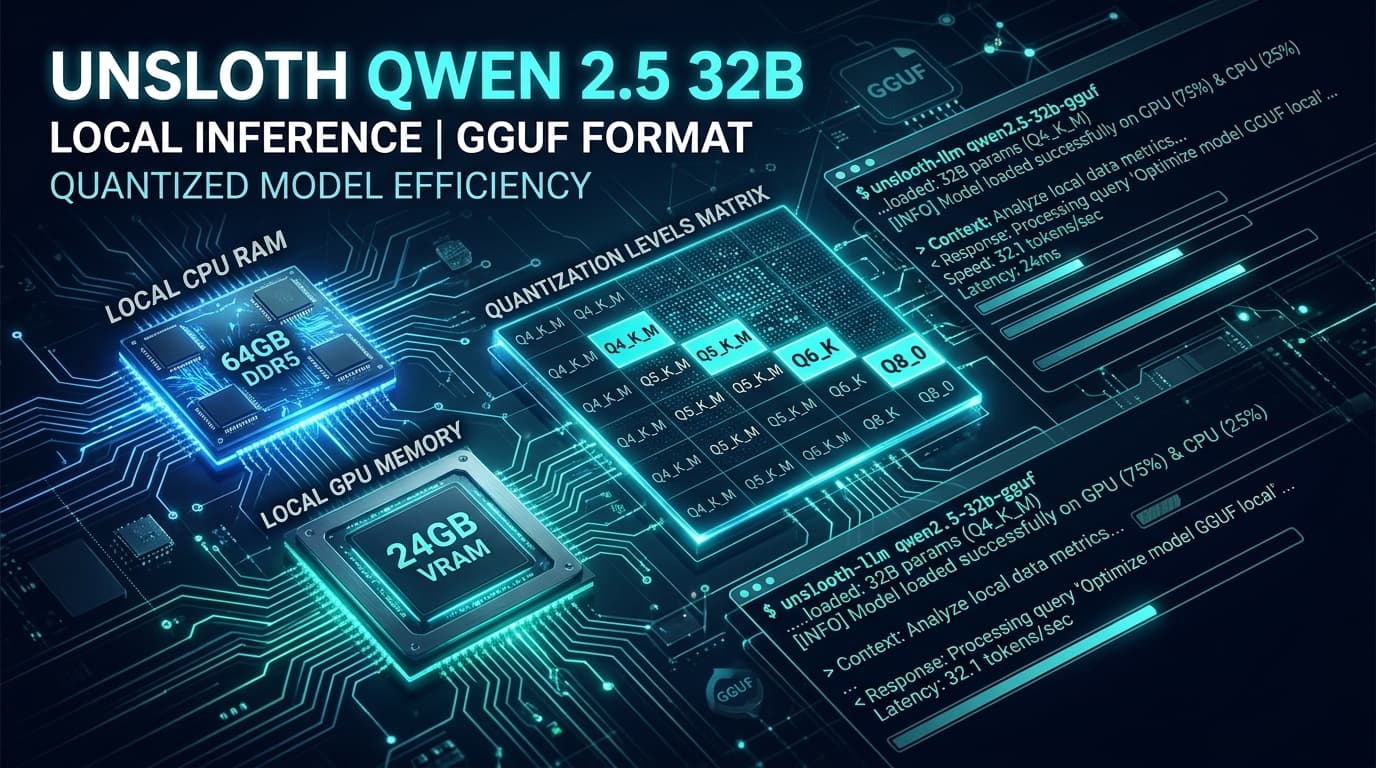

The team at Unsloth AI has published the official GGUF quantized collection for the Qwen 3.8-27B model on Hugging Face (huggingface.co/unsloth/Qwen3.8-27B-GGUF).
This release represents a major milestone for small and medium enterprise AI infrastructure: thanks to the GGUF binary format, a dense 27-billion parameter frontier model no longer requires enterprise data center GPUs costing $15,000+. It can now be executed directly on standard office hardware by pairing consumer GPU VRAM with system CPU RAM, or running entirely in system RAM.
In this technical breakdown, we explore the GGUF format, the mechanics of dynamic weight quantization, the full RAM/VRAM matrix across variants (from Q2_K to Q8_0), step-by-step local deployment instructions, and how to select the right quantization for your business workflows.
1. What is GGUF and Why Does It Revolutionize Local AI?
GGUF (GPT-Generated Unified Format) is the standard binary format engineered by the llama.cpp ecosystem to store model tensors, tokenizer data, and architectural hyperparameters in a single, portable file.
Compared to legacy formats (such as PyTorch .bin or SafeTensors), GGUF delivers three structural advantages:
┌───────────────────────────────────────────────────────────┐
│                  GGUF FORMAT ADVANTAGES                   │
├─────────────────────────────┬─────────────────────────────┤
│ Direct Memory Mapping       │ Instant mmap without load   │
├─────────────────────────────┼─────────────────────────────┤
│ Dynamic Layer Offloading    │ Splits layers across CPU/GPU│
├─────────────────────────────┼─────────────────────────────┤
│ Quantization Flexibility    │ Compresses weights to 2-8bit│
├─────────────────────────────┼─────────────────────────────┤
│ Self-Contained Binary       │ Unified weights & tokenizer │
└─────────────────────────────┴─────────────────────────────┘
The Layer Offloading Mechanism:
If your system has a mid-tier GPU (such as an NVIDIA RTX 3060/4060 with 8GB or 12GB VRAM), llama.cpp or Ollama loads as many layers as fit into GPU VRAM for speed, while seamlessly offloading the remaining layers into your standard DDR4/DDR5 system RAM. The model runs smoothly without triggering Out of Memory (OOM) errors.
2. Unsloth Qwen 3.8-27B Quantization Matrix
Unsloth uses dynamic quantization algorithms that maintain near-baseline accuracy even under aggressive bit-width compression.
| Quantization | File Size | Minimum RAM / VRAM | Precision Loss | Recommended Use Case |
|---|---|---|---|---|
| Q2_K | ~9.8 GB | 12 GB RAM | Moderate-High | Low-spec laptop testing / Basic keyword triage |
| Q3_K_M | ~13.2 GB | 16 GB RAM | Slight | Fast text categorization & email drafting |
| Q4_K_M (Sweet Spot) | ~16.8 GB | 20 GB RAM / 24GB VRAM | Imperceptible (<1%) | Recommended: Agents, ERP, Document RAG |
| Q5_K_M | ~19.5 GB | 24 GB RAM | Negligible | Complex legal and financial reasoning |
| Q6_K | ~22.8 GB | 28 GB RAM | Indistinguishable | Strict JSON schema formatting & coding tasks |
| Q8_0 | ~29.4 GB | 36 GB RAM | Zero (FP16 Equivalent) | Mac Studio (M2/M3/M4) / Dual-GPU Workstations |
| BF16 / FP16 | ~54.0 GB | 64 GB RAM | Uncompressed | Multi-GPU Enterprise Servers |
3. Which Qwen 3.8-27B Quantization Should Your SME Choose?
┌──────────────────────────────────────────────────────────────┐
│            SME HARDWARE DECISION WORKFLOW                    │
└──────────────────────────────┬───────────────────────────────┘
                               │
               ┌───────────────┴───────────────┐
               ▼                               ▼
    [Office PC (CPU RAM Only)]      [GPU Workstation / Apple Mac]
               │                               │
       ┌───────┴───────┐               ┌───────┴───────┐
       ▼               ▼               ▼               ▼
   16 GB RAM       32-64 GB RAM    1x RTX 4090 (24GB) Mac Studio (36GB+)
   [Q3_K_M]        [Q4_K_M]        [Q4_K_M in VRAM]   [Q8_0 Unified]
  (Speed:          (Speed:         (Speed:            (Speed:
  10-15 tok/s)     18-25 tok/s)    45-60 tok/s)       35-45 tok/s)
Practical SME Scenarios:
- The Default Enterprise Sweet Spot:
Q4_K_MFor 90% of business tasks (invoice data extraction, technical support agents, and contract analysis), Q4_K_M represents the optimal choice: weighing 16.8 GB, it fits completely into the VRAM of an NVIDIA RTX 3090/4090 or standard 32GB RAM PC while retaining over 99% of original reasoning capabilities. - For Apple Silicon Environments:
Q8_0If your team uses Mac Studio or high-spec MacBooks with 36GB, 48GB, or 64GB of unified memory, Q8_0 delivers full 16-bit fidelity while capitalizing on high memory bandwidth (up to 400-800 GB/s). - For Coding Agents & Frameworks:
Q5_K_MorQ6_KWhen orchestrating Qwen 3.8-27B with agent harnesses like DeepSeek Harness or Prime-Agent, Q5 and Q6 quantizations ensure tool calling JSON outputs remain error-free.
4. Quick Local Setup Guide
Option A: 1-Minute Deployment with Ollama
# 1. Download and run the quantized GGUF model directly
ollama run hf.co/unsloth/Qwen3.8-27B-GGUF:Q4_K_M

# 2. Verify local API endpoint at localhost:11434
curl http://localhost:11434/api/generate -d '{
  "model": "hf.co/unsloth/Qwen3.8-27B-GGUF:Q4_K_M",
  "prompt": "Write a Python script to validate European tax ID formats.",
  "stream": false
}'
Option B: High-Throughput Deployment with llama.cpp
# Download binary directly from Hugging Face
wget https://huggingface.co/unsloth/Qwen3.8-27B-GGUF/resolve/main/Qwen3.8-27B-Q4_K_M.gguf

# Start server offloading 35 layers to GPU and remaining to CPU RAM
./llama-server -m Qwen3.8-27B-Q4_K_M.gguf -ngl 35 -c 8192 --port 8080
5. Hybrid Enterprise Strategy: Pairing Local GGUF with Cloud APIs
Running Qwen 3.8-27B in GGUF locally enables a segregated data governance model:
- Confidential Local Processing (GGUF): Financial records, client medical records, and invoicing workflows (VeriFactu) remain air-gapped on local servers via gateways like Executor.sh.
- Massive Cloud Ingestion: Public documents, training videos, and 1M-token PDF archives are delegated to Gemini 3.7 Flash or GLM-5.3.
6. Next Steps for Your Business
Unsloth's Qwen 3.8-27B GGUF release breaks the hardware barrier, allowing any SME to deploy sovereign frontier AI with zero token expenses.
Book a Local AI Infrastructure Consultation with IA4PYMES → We audit your existing hardware and deploy optimized local GGUF models integrated into your internal databases and business systems.
7. Frequently Asked Questions
Do I need a dedicated GPU to run Qwen 3.8-27B in GGUF?
No. Thanks to GGUF, you can run the model entirely on CPU and system RAM. With 32GB of DDR4/DDR5 system RAM, the Q4_K_M quantization runs comfortably at 10–20 tokens per second.
Is there significant accuracy loss with the Q4_K_M quantization?
Standard benchmarks (MMLU, HumanEval) show less than 1% divergence compared to the uncompressed 16-bit model, making it virtually indistinguishable in production workloads.
Is this local setup fully GDPR-compliant?
Yes. Operating in a sovereign air-gapped environment ensures no sensitive customer or corporate data is ever transmitted over external networks.