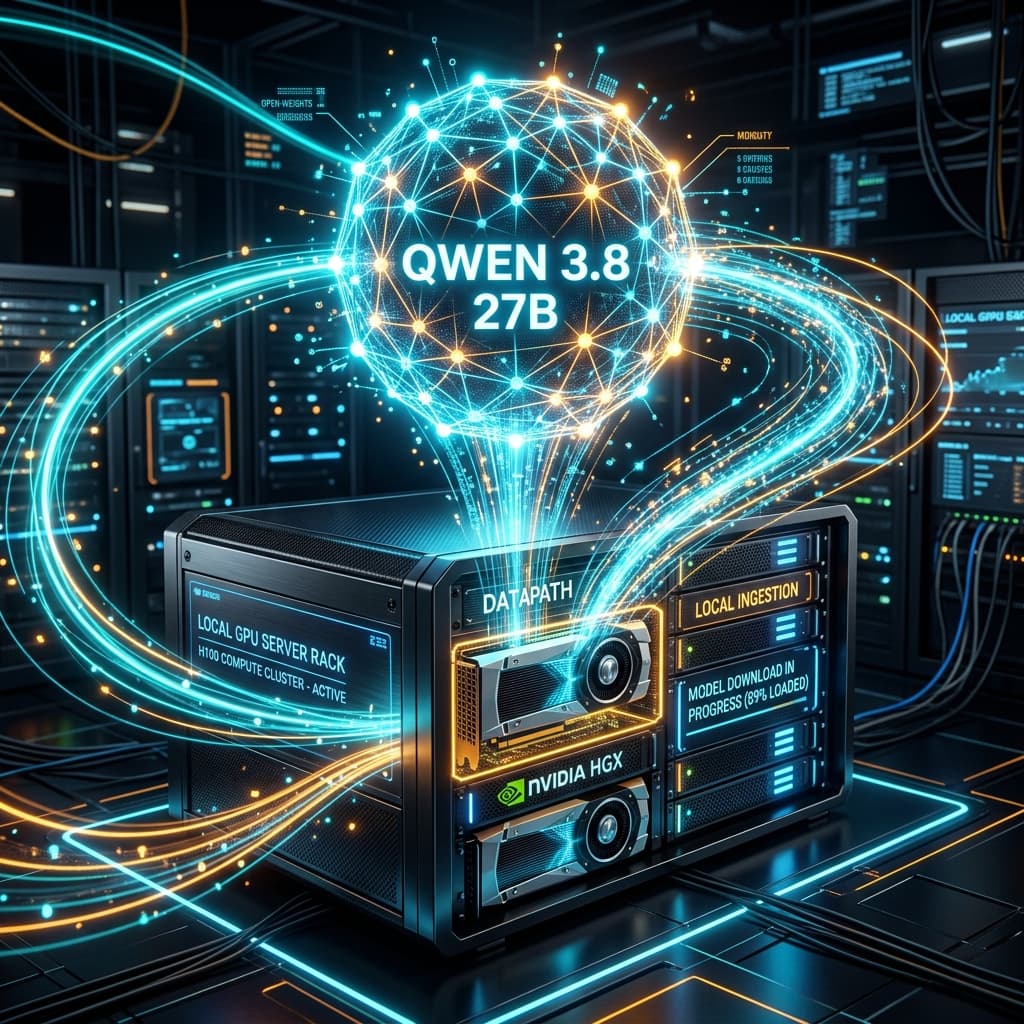

Today, August 12, 2026, Alibaba (QwenLM) announced that it will release the open weights for Qwen 3.8-27B on Hugging Face and ModelScope later today. Following the initial Qwen 3.8 family announcement earlier this month, developers and enterprises have eagerly anticipated the public availability of this 27-billion parameter variant.
While the flagship model (Qwen 3.8-Max, featuring 2.4 trillion parameters) requires heavy multi-node GPU clusters, Qwen 3.8-27B represents the sweet spot for SMEs and independent developers: it delivers frontier-class reasoning in coding, data analysis, and tool calls while running efficiently on a single company server node or consumer GPU.
Below, we detail the technical specifications, exact VRAM requirements per quantization tier, and a step-by-step practical guide to downloading and running the model locally as soon as the weights drop today.
1. Why Qwen 3.8-27B is the Sweet Spot for Enterprise Workloads
The structural breakthrough of the Qwen 3.8 architecture lies in its hybrid dense attention optimization and dynamic context handling. This enables the 27B parameter model to compete with closed cloud APIs in production environments while eliminating per-token SaaS costs.
┌───────────────────────────────────────────────────────────┐
│                    QWEN 3.8 FAMILY                        │
├─────────────────────────────┬─────────────────────────────┤
│      Qwen 3.8-Max (2.4T)    │     Qwen 3.8-27B (Open)     │
├─────────────────────────────┼─────────────────────────────┤
│ Requires GPU clusters       │ Runs on 1x GPU / Workstation│
│ Hosted Cloud API only       │ Downloadable on Hugging Face│
│ Third-party dependence      │ Complete Data Sovereignty   │
└─────────────────────────────┴─────────────────────────────┘
Key Enterprise Advantages:
- Data Sovereignty & EU AI Act Compliance: Running on-premise (air-gapped) ensures confidential client data never leaves company infrastructure.
- No Mandatory Watermarking: Unlike cloud APIs subject to mandatory invisible text watermarking under 2026 EU AI Act rules, local models grant complete control over token decoding.
- Native Agent Harness Support: Out-of-the-box compatibility with multimodal agent harnesses like Qwen-MM-Plugins and MCP gateways like Executor.sh.
2. Hardware Requirements & VRAM Sizing
To choose the optimal quantization variant for your hardware, review the following memory sizing matrix:
| Format / Quantization | Disk Space | Min Recommended VRAM | Compatible Hardware |
|---|---|---|---|
| FP16 (Unquantized) | ~54 GB | 56 GB VRAM | 2x NVIDIA RTX 4090 (48GB) or 1x RTX 6000 Ada |
| INT8 (8-bit AWQ / GPTQ) | ~28 GB | 30 GB VRAM | 1x NVIDIA RTX 6000 Ada / Mac Studio M3 Max (48GB+) |
| INT4 / Q4_K_M (GGUF) | ~17 GB | 18 GB VRAM | 1x NVIDIA RTX 4090 (24GB) or Mac Studio (36GB) |
| Q3_K_S (Extreme) | ~13 GB | 14 GB VRAM | 1x NVIDIA RTX 4070 Ti Super (16GB) |
Recommendation: For most small to mid-sized businesses, Q4_K_M (GGUF) quantization delivers the optimal trade-off between inference speed (tokens/second) and language accuracy.
3. Step-by-Step Guide: How to Download and Run Qwen 3.8-27B Locally
Choose one of the three primary deployment methods below based on your technical stack:
Method A: 1-Minute Quick Start with Ollama (Recommended)
To evaluate the model rapidly on macOS, Linux, or Windows:
- Verify Ollama is updated:
ollama --version - Pull and execute the model directly:
ollama run qwen3.8:27b - Query via local REST API:
curl http://localhost:11434/api/generate -d '{
  "model": "qwen3.8:27b",
  "prompt": "Generate a accounting audit checklist for an SME."
}'
Method B: High-Throughput Production Serving with vLLM
For Linux enterprise servers where multiple internal services query the model concurrently, vLLM maximizes throughput using PagedAttention:
- Install vLLM and Hugging Face tools:
pip install vllm transformers huggingface_hub - Launch the OpenAI-compatible API server:
vllm serve Qwen/Qwen3.8-27B-Instruct \ --quantization awq \ --gpu-memory-utilization 0.92 \ --max-model-len 32768 \ --port 8000 - Connect Enterprise Apps:
Point your internal agent pipeline or ERP/CRM tools to
http://localhost:8000/v1as an OpenAI API drop-in replacement.
Method C: Python Integration via Hugging Face transformers
To integrate inference inside a custom Python pipeline:
import torch
from transformers import AutoModelForCausalLM, AutoTokenizer

model_id = "Qwen/Qwen3.8-27B-Instruct"

tokenizer = AutoTokenizer.from_pretrained(model_id)
model = AutoModelForCausalLM.from_pretrained(
    model_id,
    torch_dtype=torch.bfloat16,
    device_map="auto"
)

prompt = "Analyze the following financial summary and identify three operational risks."
messages = [{"role": "user", "content": prompt}]
text = tokenizer.apply_chat_template(messages, tokenize=False, add_generation_prompt=True)

model_inputs = tokenizer([text], return_tensors="pt").to("cuda")

generated_ids = model.generate(
    **model_inputs,
    max_new_tokens=512,
    temperature=0.7
)

response = tokenizer.batch_decode(generated_ids, skip_special_tokens=True)[0]
print(response)
4. Open-Weights Model Matrix
| Model | Parameters | VRAM (INT4) | Core Specialization | Coding Performance |
|---|---|---|---|---|
| Qwen 3.8-27B | 27B | 18 GB | General Reasoning, Code & MCP Agents | Outstanding |
| Kimi K3 | 2.8T (MoE) | 120 GB+ | Ultra-long document analysis | Excellent |
| DeepSeek V4 | 16B | 12 GB | Fast response generation | High |
| GLM-5.2 | 32B | 22 GB | Complex multilingual reasoning | Outstanding |
5. Enterprise Next Steps
Deploying a model with the capability of Qwen 3.8-27B on sovereign hardware empowers businesses to automate complex data extraction, generate technical reports, and orchestrate agents without recurring cloud API fees.
Book an AI Infrastructure Consulting Session with IA4PYMES → We size the required hardware for your enterprise, configure vLLM/Ollama inference servers, and connect private AI agents to your corporate databases.
6. Frequently Asked Questions
Do I need an active Internet connection to run Qwen 3.8-27B after downloading?
No. Once the model weights are downloaded from Hugging Face or Ollama, inference runs 100% locally in an isolated (air-gapped) state.
Can I run Qwen 3.8-27B on a laptop?
Only if your laptop features unified memory of 36 GB or more (such as an Apple Mac Studio or MacBook Pro with an M2/M3/M4 Max chip). On standard Windows laptops, a dedicated GPU with at least 16-24 GB VRAM is required.
Can I fine-tune Qwen 3.8-27B with proprietary company data?
Yes. As an open-weights model on Hugging Face, you can perform efficient fine-tuning (LoRA/QLoRA) using tools like Unsloth or TRL to adapt the model to internal domain terminology.