
In the B2B services sector, prospecting and qualifying leads is one of the most critical tasks, yet it is also the most time-consuming and resource-intensive. Sales teams spend hours browsing directories, visiting websites, trying to classify whether a company fits their Ideal Customer Profile (ICP), and drafting cold emails that rarely receive a reply due to a lack of personalization.
To overcome this bottleneck without inflating costs or falling into the trap of a fragile Frankenstack of disjointed automations (the phenomenon we analyzed in our article on the Integration Tax), the solution lies in building an autonomous AI Agent integrated into n8n.
n8n has established itself as the leading workflow orchestration platform due to its self-hosting capabilities (ensuring strict GDPR compliance) and its advanced native support for LangChain-style agents.
In this comprehensive, step-by-step guide, you will learn how to build a production-ready agentic pipeline to extract, analyze, qualify, and draft personalized outreach copy autonomously.
Workflow Architecture
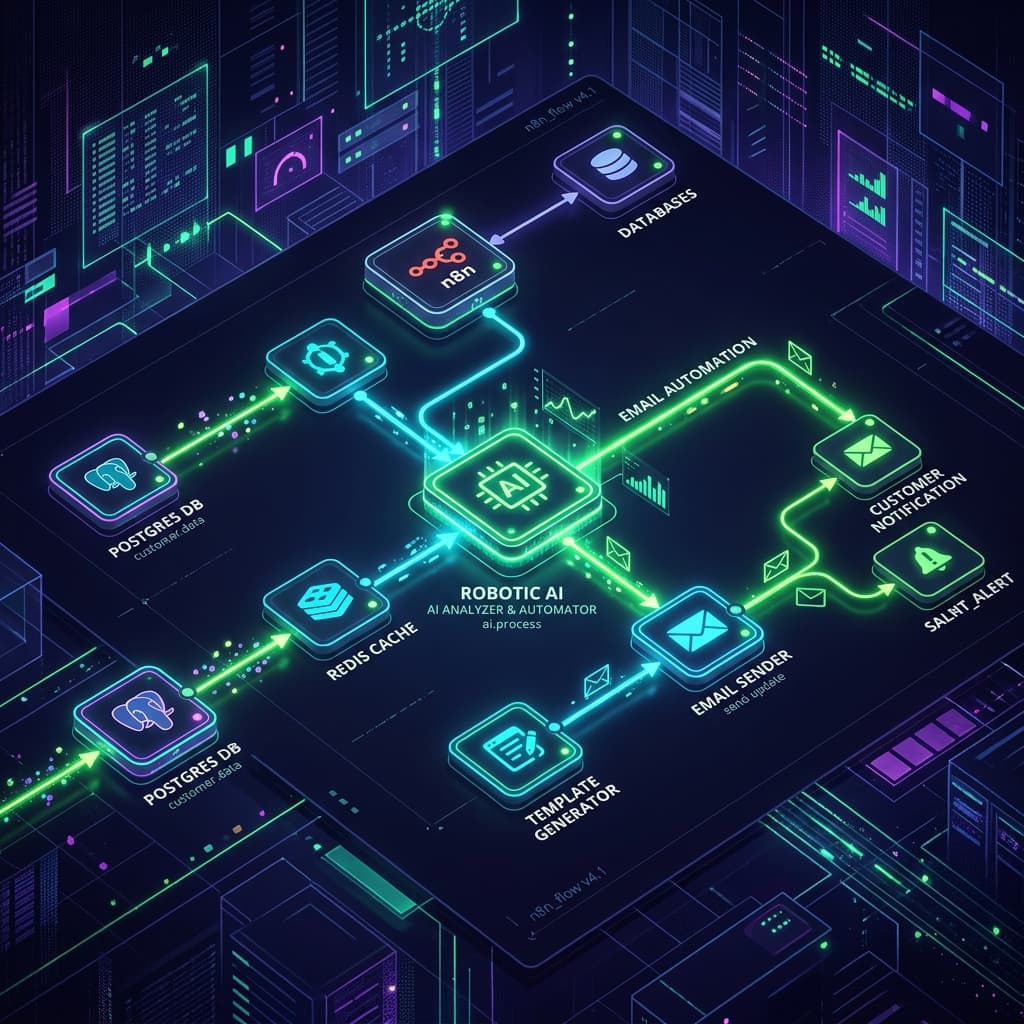
The pipeline we are building consists of four logical phases structured on the n8n canvas:
graph TD
    A[Trigger: Incoming Lead] --> B[Extraction: Web Scraper Node]
    B --> C[Qualification: AI Agent Node]
    C -->|Not Qualified| D[Mark as Discarded in CRM]
    C -->|Qualified| E[Drafting: Custom Prompt]
    E --> F[Output: Save Draft in CRM / Email]
Step 1: Set Up the Trigger and Data Input
For the workflow to execute, we need a lead source. In n8n, this can be configured in a few ways depending on your data origin:
- Webhook Node: Receives data synchronously in real-time when a user fills out a form on your website.
- Google Sheets / Airtable Node: Triggers periodically (e.g., every morning) reading new rows from a prospecting list.
For this tutorial, we will use a Google Sheets node that reads the columns Company Name, Website, and Industry.
Step 2: Real-Time Information Extraction (Web Scraping)
For the AI agent to evaluate if the company fits your ICP, it needs up-to-date information. We cannot rely solely on the source database; we must analyze their website live.
- Add the HTTP Request node in n8n.
- Set the method to
GETand dynamically map the website URL obtained in the previous step:{{ $json.Website }}. - Technical Tip: Since many websites block simple automated requests, enable the follow-redirects option and set a standard browser
User-Agentheader in the node's settings. - Connect the output to an HTML node configured in
Extractmode to capture only the main text elements of the homepage (tags like<main>,<body>, or headings<h1>,<h2>and paragraphs<p>). This avoids sending raw HTML noise to the model, reducing token consumption.
🔒 Looking to automate your B2B lead generation without the technical complexity?
Building autonomous agents in n8n requires configuring stable connections, managing edge cases, and avoiding the technical debt of a Frankenstack. At IA4PYMES, we design and deploy your custom agentic data infrastructure connected to your corporate CRM and ERP.
Book your 60-minute technical consultation here (100% refundable if we don't validate project feasibility in the first 15 minutes, or fully credited against final development costs on hire).
Step 3: Create the AI Qualification Agent (AI Agent Node)
This is the core of the automation. Instead of using a basic LLM node that only answers questions, n8n's AI Agent node allows the model to utilize tools and structure outputs using schemas.
1. Model Selection
Connect a provider subnode (e.g., Declarative Copilot/OpenAI Chat Model or Anthropic Chat Model). We recommend using models with high reasoning capability and balanced costs, such as gpt-4o-mini or claude-3-5-sonnet.
2. Defining the System Prompt (Agent Instructions)
Copy and adapt the following prompt in the node's system message field:
You are a business development analyst specializing in qualifying B2B leads for a technology services firm.
Your goal is to analyze the text content extracted from the candidate company's website and determine if they meet our Ideal Customer Profile (ICP).

OUR ICP:
- B2B companies offering high-value services or products.
- Target industries: Logistics, Finance, Legal, Consulting, E-commerce, Private Healthcare.
- They must show evidence of handling manual data or complex workflows that can be automated.

OUTPUT INSTRUCTIONS:
You must return a response strictly in JSON format matching this schema:
{
  "qualified": true/false,
  "reason": "Detailed explanation of why they fit or do not fit the ICP, citing specific elements found on their website.",
  "pain_points": ["Pain point 1", "Pain point 2"],
  "value_proposition_pitch": "A one-paragraph value proposition explaining how we can help them specifically based on their services."
}
3. Configure Structured Output (Structured Output Node)
To ensure the LLM always returns clean JSON and that n8n can process subsequent steps without formatting errors, connect a Structured Output node to the AI agent and define the variables (qualified as boolean, reason and value_proposition_pitch as text strings, and pain_points as an array).
Step 4: Branching the Workflow and CRM Storage
Once the AI agent outputs its JSON verdict, we use an n8n If node to branch the path:
Condition: {{ $json.qualified }} equals true
If FALSE (Not Qualified)
Connect the workflow to your CRM (e.g., HubSpot or Zoho CRM) using its native n8n nodes to update the prospect status to "Discarded - Does not fit ICP" and archive the lead, preventing your sales team from wasting time.
If TRUE (Qualified)
The workflow moves forward to draft the personalized outreach copy.
- Add an additional LLM node optimized for creative writing (such as
claude-3-5-sonnetfor superior copy quality). - Pass the data gathered from the website, the detected
pain_points, and the customizedvalue_proposition_pitch. - Ask it to draft a professional, non-generic cold email focusing on solving one of their specific problems.
- CRM Node (HubSpot/Holded): Create a task or a draft email inside the lead's record in your CRM with the text written by the AI. This implements a Human-in-the-loop safety strategy, where a human rep reviews and approves the draft before sending.
Conclusion and Next Steps
By finalizing this setup, you will have built a 24/7 prospecting engine that reads website content, qualifies leads, discards the noise, and delivers ready-to-send draft emails to highly qualified B2B targets.
The main benefit of this setup is sovereignty and scalability: by running on n8n, you avoid fragmented software platforms, keep full control over your APIs and customer data, and eliminate recurring subscription fees while optimizing your sales cycle.