
For any business running autonomous AI agents, enterprise RAG search engines, or automated code refactoring pipelines, recurring monthly cloud API invoices represent a severe operational drain. Paying per token introduces volatile monthly expenses, latency bottlenecks, external vendor lock-in, and strict compliance hurdles under the European Union AI Act.
Until now, the traditional alternative—deploying on-premise Nvidia GPU servers (H100, A100, or multi-RTX rigs)—demanded over $35,000 in upfront capital, specialized 3000W three-phase power lines, industrial server room air conditioning, and dedicated DevOps engineering.
On August 25, 2026, Apple introduced the new Mac Studio featuring M5 Max and M5 Ultra chips, fundamentally transforming local enterprise AI economics.
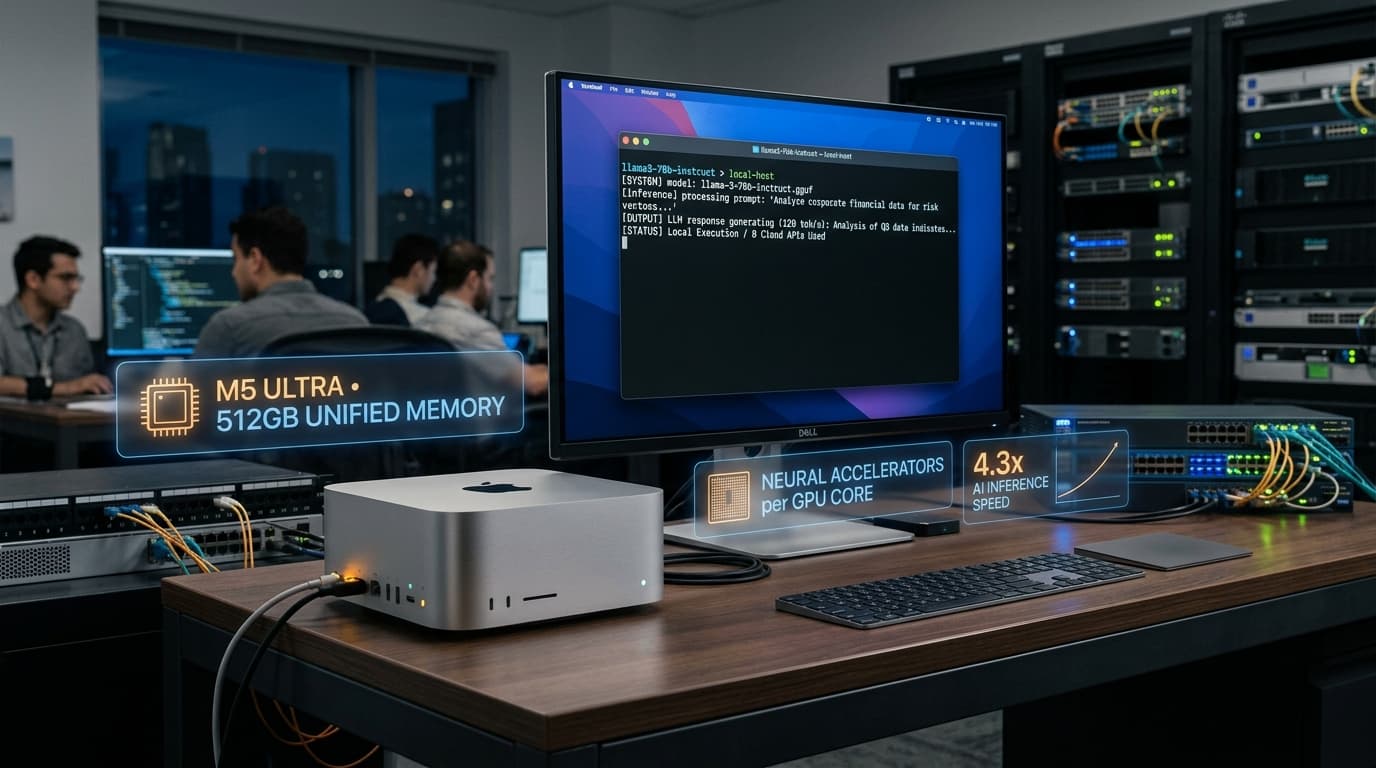
By embedding neural accelerators directly into each GPU core, providing up to 512GB of unified memory, and delivering 4.3x faster local inference speeds compared to the M3 Ultra at a mere 200W power draw, the Mac Studio emerges as the most cost-effective private AI server available for small and mid-sized enterprises.
1. M5 Max and M5 Ultra Architecture: Why Unified Memory Beats Traditional GPUs
Apple Silicon’s unified memory architecture eliminates the primary architectural bottleneck found in standard PCIe-based workstations:
Up to 512GB Unified Memory Without PCIe Bandwidth Bottlenecks
In traditional Nvidia server architectures, model weights must continuously shuffle across PCIe lanes between system RAM and GPU VRAM. Consumer cards like the RTX 4090 or RTX 5090 cap out at 24GB–32GB of VRAM, forcing teams to split larger models across multiple GPUs with complex parallelism overhead.
In the Mac Studio M5 Ultra, the CPU, GPU, and Neural Accelerators access a unified pool of up to 512GB of unified memory with over 1,600 GB/s bandwidth. This enables hosting entire frontier-grade models on a single desktop unit:
- Unquantized FP16 70B parameter models with zero loss of precision.
- Massive Mixture-of-Experts (MoE) architectures such as Ornith-1.5-397B, DeepSeek V4, or Qwen 3.8.
- Ultra-long context windows (>256K tokens) allowing full enterprise document repositories to remain resident in memory for instant retrieval.
Per-Core GPU Neural Accelerators
Unlike previous generations where the Neural Engine operated as a detached coprocessor, the M5 chip integrates matrix acceleration hardware directly into every GPU core. This architecture drastically reduces execution overhead, allowing frameworks like Apple MLX and llama.cpp to achieve over 120 tokens per second on 70B models.
2. Financial ROI Analysis: Mac Studio M5 Ultra vs. Cloud APIs vs. Nvidia Server
Consider the 3-year Total Cost of Ownership (TCO) for a 20-person SME utilizing AI agents for support, engineering, and automated accounting (VeriFactu e-invoicing):
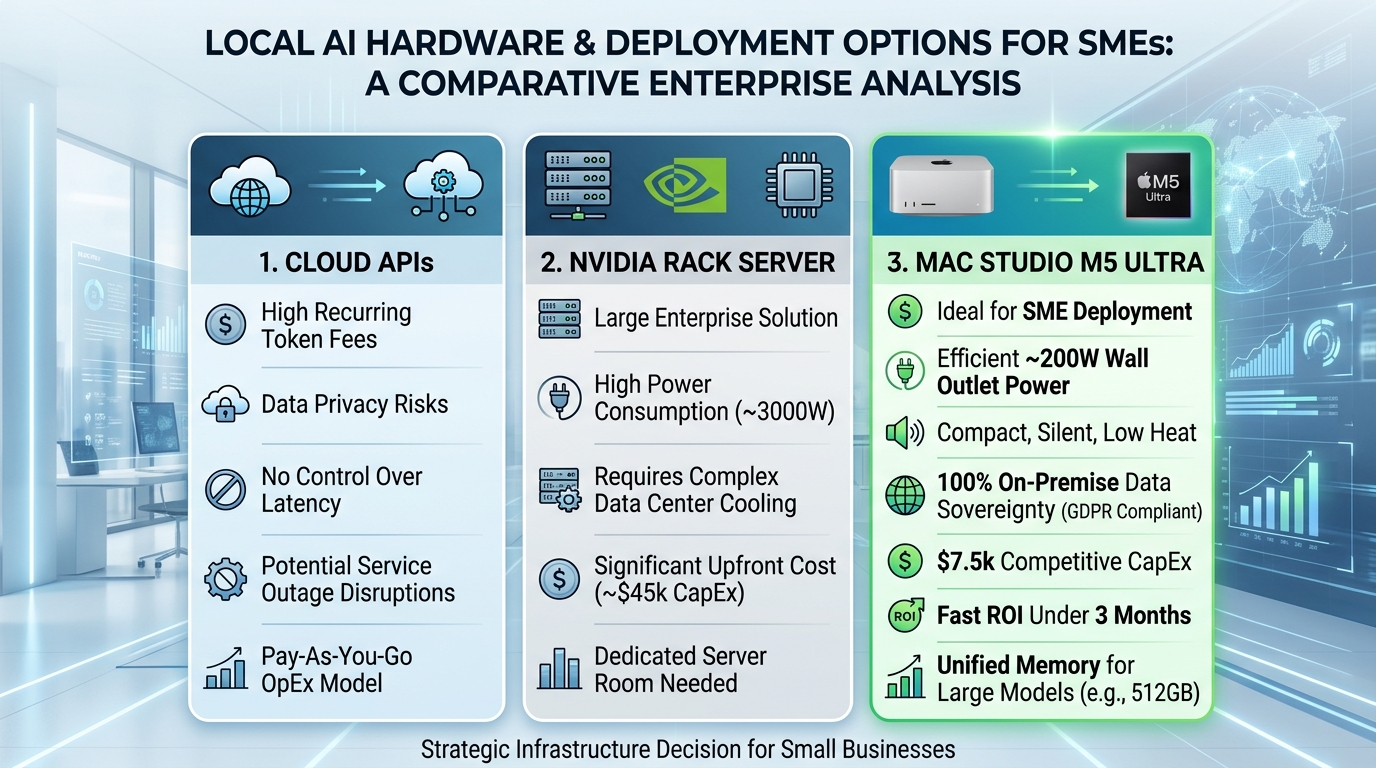
| 3-Year Metric | Cloud APIs (Pay-per-Token) | Dedicated Nvidia Server (2x H100) | Apple Mac Studio M5 Ultra (512GB) |
|---|---|---|---|
| Initial Capital Expense (CapEx) | $0 | ~$45,000 | ~$7,600 |
| Estimated Monthly Operating Cost | ~$2,800 / month | ~$350 / month (Power & Cooling) | ~$35 / month (~200W consumption) |
| Average Power Draw | 0 W (External Datacenter) | ~2,500 W - 3,200 W | ~180 W - 220 W |
| Facility Requirements | High-speed internet link | Server room, dedicated AC, backup UPS | Standard office wall power socket |
| Data Sovereignty / GDPR | Third-party data retention risk | 100% On-Premise | 100% On-Premise in the office |
| TOTAL 3-YEAR EXPENDITURE | ~$100,800 | ~$57,600 | ~$8,860 |
Return on Investment (ROI): Compared to spending $2,800/month on proprietary commercial cloud APIs, the Mac Studio M5 Ultra pays for itself in under 3 months. Beyond that point, your enterprise AI inference operates virtually free of charge.
3. Deployment Blueprint: Serving OpenAI-Compatible Local Endpoints
Using native Apple Silicon libraries like MLX Server or llama.cpp / Ollama, turning the Mac Studio into a high-throughput enterprise API endpoint takes under 10 minutes:
# 1. Install optimized Apple MLX runtime
pip install mlx-lm

# 2. Host a local reasoning model with OpenAI-compatible endpoints
python3 -m mlx_lm.server   --model mlx-community/Ornith-1.5-35B-A3B-4bit   --port 8080   --host 0.0.0.0
Client Integration Example (TypeScript / Node.js)
Existing backend microservices or MCP / Executor.sh gateways connect directly to the local Mac Studio simply by modifying the base URL:
import OpenAI from "openai";

// Direct connection to local office Mac Studio server
const client = new OpenAI({
  baseURL: "http://192.168.1.150:8080/v1", // Internal Mac Studio IP address
  apiKey: "local-enterprise-key",
});

async function runInternalInference() {
  const response = await client.chat.completions.create({
    model: "ornith-1.5-35b-a3b",
    messages: [
      {
        role: "system",
        content: "You are the internal enterprise financial auditor. Analyze quarterly statements.",
      },
      {
        role: "user",
        content: "Audit Q3 operating expenditures and generate variance reports.",
      },
    ],
    temperature: 0.2,
  });

  console.log("Local analysis output:", response.choices[0].message.content);
}

runInternalInference();
4. Thunderbolt 5 High-Speed Clustering
The Mac Studio M5 introduces Thunderbolt 5 connectivity offering bidirectional transfer rates up to 120 Gbps.
Apple has enabled native distributed inference clustering: if an enterprise expands its concurrent workload demands, connecting a second Mac Studio via a single Thunderbolt 5 cable doubles unified memory capacity to 1,024GB (1 Terabyte) and scales processing throughput up to 3x without requiring expensive enterprise InfiniBand networking hardware.
5. Ideal Business Use Cases for the Mac Studio M5
- Confidential RAG & Document Intelligence:
- Processing proprietary contracts, medical records, financial balances, and payroll data entirely within your local network, fully compliant with EU AI Act and GDPR regulations.
- Autonomous Software Refactoring:
- Running agent harnesses like Claude Code or DeepSeek Harness overnight across full codebases without fearing runaway token costs.
- Low-Latency Voice & Telephony Agents:
- Pairing local Whisper models with speech synthesis for sub-200ms real-time customer support voice assistants hosted on-premise.
6. Strategic Takeaway for CTOs and Business Owners
The Mac Studio M5 Ultra marks the end of mandatory cloud token subscriptions. For the first time, small and medium enterprises can deploy a quiet, power-efficient, desktop-sized machine capable of executing world-class frontier models with complete data sovereignty.
For organizations handling sensitive data or aiming to lock down predictable IT budgets, Apple Silicon local hardware represents the most strategic infrastructure investment of 2026.
Deploy Private Local AI Servers for Your Business with IA4PYMES → We evaluate hardware requirements, deploy optimized open-source models, and integrate secure MCP gateways to deliver maximum autonomy and financial ROI.
7. Frequently Asked Questions
Which Mac Studio configuration is best for an SME?
For standard agent workflows and developer tooling (14B to 35B models), the M5 Max with 128GB RAM offers exceptional performance per dollar. For running full frontier models (70B to 400B MoE) and concurrent multi-agent pipelines, the M5 Ultra with 512GB RAM is the definitive enterprise choice.
Does the Mac Studio generate noise or heat in a normal office?
No. Apple Silicon operates with whisper-quiet acoustic profiles below 15 decibels, drawing between 30W idle and 220W under full compute load. It sits comfortably on any standard office desk.
Is it compatible with standard enterprise AI frameworks?
Yes. Via Apple MLX, llama.cpp, vLLM, and Ollama, the Mac Studio exposes endpoints fully compatible with OpenAI and Anthropic schemas, allowing drop-in integration with Python, TypeScript, and MCP agent frameworks.